 Do Not Operate Maint...$14.95 exc. GST
- Equipment Locked Out...$14.95 exc. GST
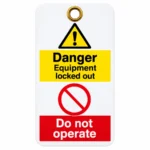
Do Not Operate Plastic Covered Lockout Tag
$15.95 exc. GST
Do Not Operate Plastic Covered Lockout Tags
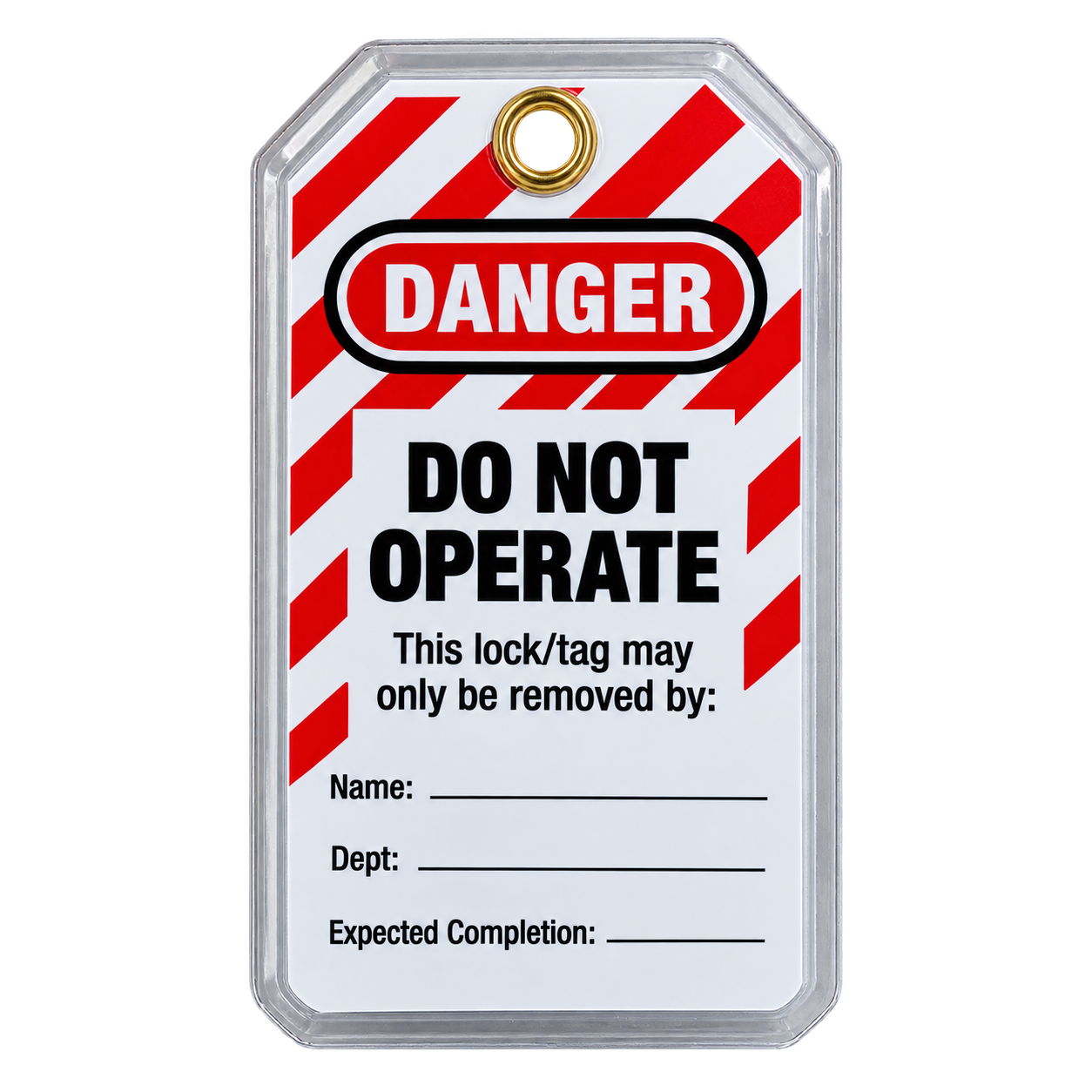
Plastic Covered Do Not Operate Lockout Tags provide a clear visual warning that an energy source has been locked out and equipment must not be operated.
Double-sided design with writable fields for Name, Department, Expected Completion and Remarks.
Size: 85 mm (W) × 155 mm (H)
Sold in packs of 5 tags. Quantity 1 = 5 tags
10 in stock
Do Not Operate Plastic Covered Lockout Tag
Plastic Covered Lockout Tag LT22 provides a clear visual warning that machinery, equipment or an energy source has been locked out and must not be operated.
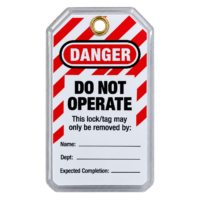
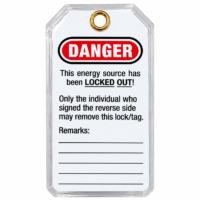
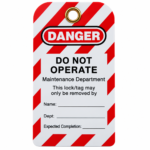
The double-sided tag displays prominent DANGER and DO NOT OPERATE warnings and provides writable fields for recording information relating to the lockout.
Each Plastic Covered Lockout Tag measures 85 mm × 155 mm high and includes a metal eyelet for attachment.
Pack Quantity
Supplied in packs of 5 tags.
Quantity 1 = 5 tags.
Product Specifications
Product Code: LT22
Size: 85 mm (W) × 155 mm (H)
Material: Plastic covered
Pack Quantity: 5 tags
Colour: Red, white and black
Eyelet: Metal eyelet
Design: Double-sided
Writable Fields: Yes
Front of the Tag
The front displays:
DANGER
DO NOT OPERATE
“This lock/tag may only be removed by:”
It also provides writable fields for:
Name
Department
Expected Completion
These fields allow information relating to the lockout to be recorded directly on the tag.
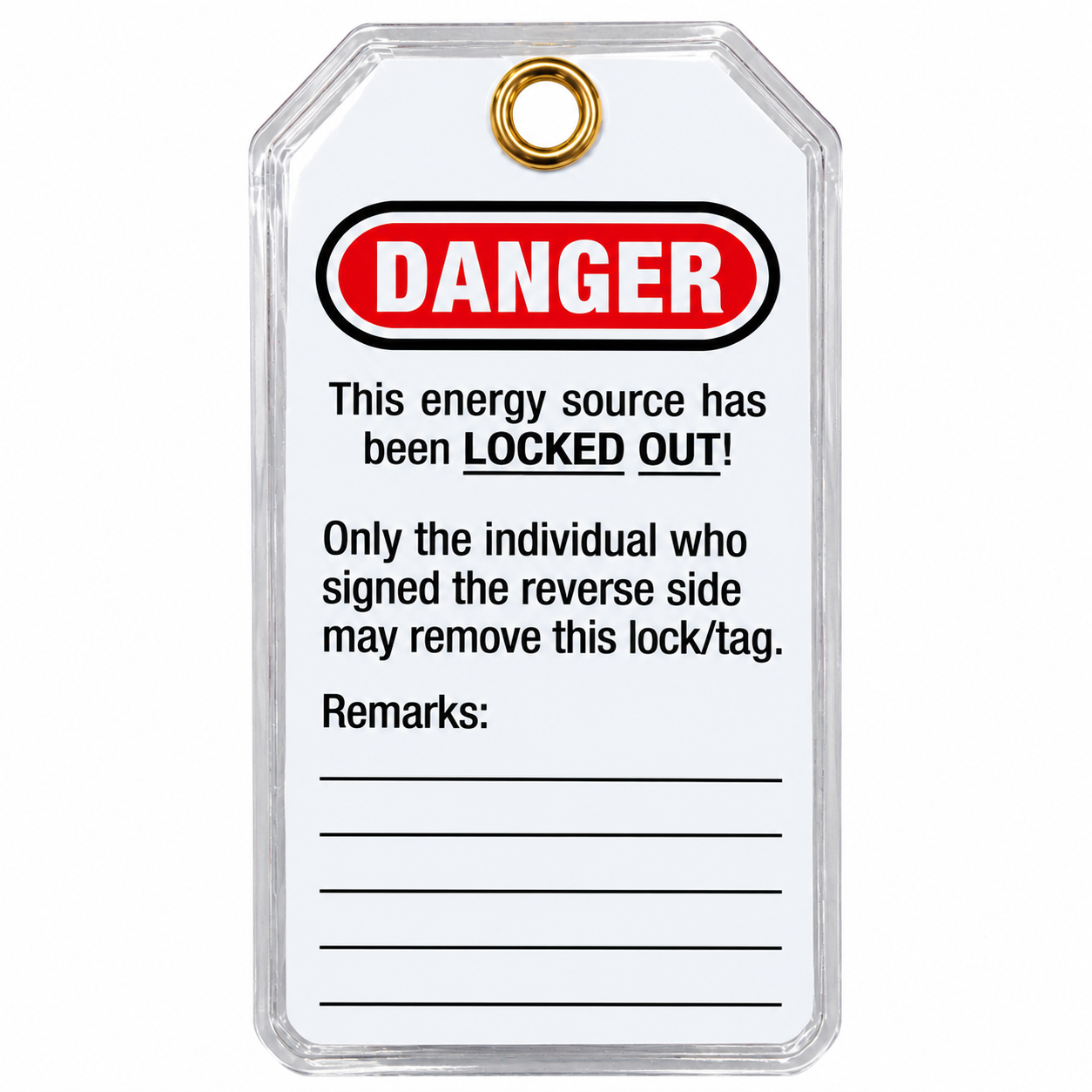
Reverse of the Tag
The reverse displays:
DANGER
“This energy source has been LOCKED OUT!”
“Only the individual who signed the reverse side may remove this lock/tag.”
A Remarks section provides additional writable space.
Where to Use a Plastic Covered Lockout Tag
LT22 can be used to identify machinery, equipment or energy sources that have been locked out and must not be operated.
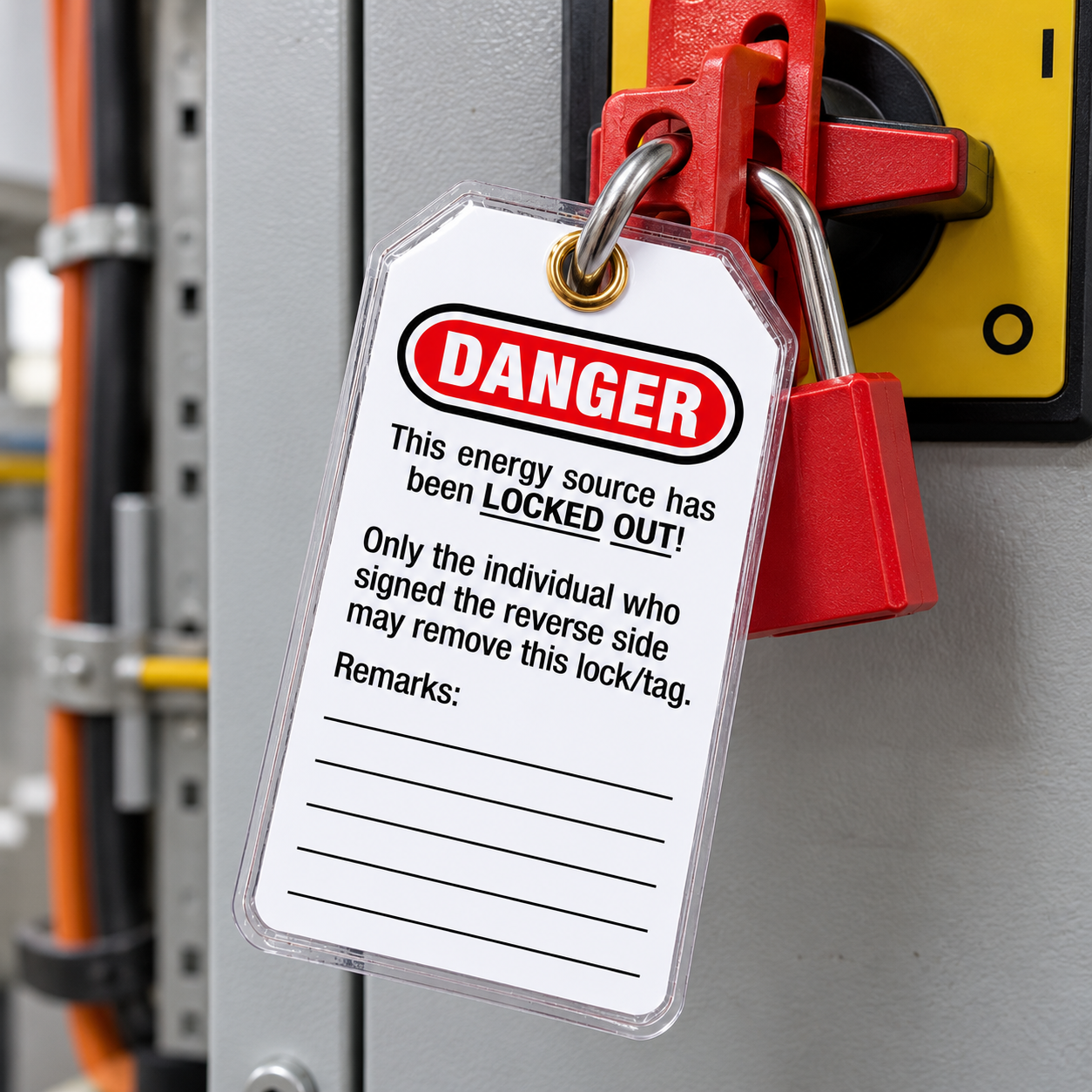
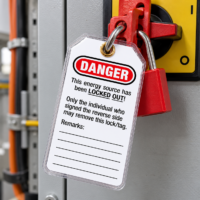
The tag can be attached at the relevant lockout or isolation point using its metal eyelet.
Common Industries
Suitable for industrial workplaces, manufacturing, engineering, workshops, maintenance operations, electrical work, processing facilities, warehouses and other workplaces using lockout/tagout procedures.
Why Use a Plastic Covered Lockout Tag?
The plastic-covered construction provides a protective outer covering around the printed tag.
The prominent red, white and black design makes the DANGER and DO NOT OPERATE warnings clearly visible, while the writable fields provide space for important information relating to the lockout.
How the Tag Is Used
Complete the relevant writable information and attach the tag at the appropriate lockout or isolation point using the metal eyelet.
The front identifies the equipment as Do Not Operate and provides identification fields, while the reverse provides additional locked-out information and space for remarks.
Important Safety Information
A lockout tag provides identification and a visual warning that machinery, equipment or an energy source has been locked out.
The tag itself does not physically isolate an energy source. Where physical lockout is required, use the appropriate lockout equipment in accordance with your workplace’s established isolation and lockout/tagout procedures.
Related Hazards
Unexpected equipment operation, machinery start-up, electrical energy, stored energy, moving machinery and accidental operation of locked-out equipment.
Helps Support
Workplace lockout/tagout procedures, equipment isolation procedures, maintenance procedures and workplace safety systems.
Frequently Asked Questions
Q: What is a Plastic Covered Lockout Tag used for?
A: It is used to identify equipment or an energy source that has been locked out and must not be operated.
Q: What size is the LT22 tag?
A: Each tag measures 85 mm wide × 155 mm high.
Q: What is the LT22 tag made from?
A: LT22 is described as a plastic-covered safety tag.
Q: Is the tag double-sided?
A: Yes. Warning and lockout information is provided on both sides.
Q: What information can be written on the tag?
A: The tag includes fields for Name, Department, Expected Completion and Remarks.
Q: How many tags are included?
A: LT22 is supplied in packs of 5. Quantity 1 = 5 tags.
Q: Does the tag have an attachment point?
A: Yes. Each Plastic Covered Lockout Tag includes a metal eyelet for attachment.
Q: Does the tag itself lock the equipment?
A: No. The tag provides warning and identification information and should be used with the appropriate lockout equipment where physical isolation is required.
Not sure if you’ve got all the safety signage you need?
Download our Free Safety Signage Checklist to make sure your workplace complies with New Zealand safety standards — it’s a quick and easy way to identify missing signs and stay compliant for further information check out 5 Workplace Signs Every Office Needs (And Why They Matter).
The mission of Hazard Signs NZ is to provide quality-made safety signs to all of New Zealand. Our great prices and convenient online ordering platform make us a preferred supplier to many NZ businesses. All our signs are designed and manufactured in Invercargill to meet the workplace health and safety needs of all businesses and industries in New Zealand.
Please note. We make some safety signs to order and therefore it may take 5 to 10 business days to receive. If you require your order urgently, please don’t hesitate to contact us to confirm an estimated delivery date before placing your order.
If you are not sure about what sign you need for your business, just contact us at +6432183350 or email us and we will make it ready for you.
Related products
-

Warning Loads Must Be Isolated Label
Price range: $19.95 through $49.00 exc. GSTSKU: Elec010
-
Caution Overhead Powerlines Sign
Price range: $13.50 through $48.50 exc. GSTSKU: caution_0073
-
Multiple Bess Supplies Label
Price range: $23.00 through $42.00 exc. GSTSKU: Elec003
-
Warning Arc Flash Hazard Label
Price range: $24.95 through $54.95 exc. GSTSKU: Elec005